With your net2phone Canada Google Sheets add-on, Call Record Details (CDRs) have recorded call durations in seconds, but you can easily convert your data to hours and minutes using the following steps:
- Open a Google Sheet™ that has a second duration column you want to change to minutes and hours.
- Click on a cell in an empty column in the same row of the duration column you want to convert.
- Within the cell, type an equal sign (=) followed by the cell unit you want to convert. For example, if I want to convert seconds-to-minutes duration in cell I2, I would type =I2.
- Divide =(cell) by 86400.
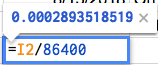
- Press enter to convert the formula to a number.
- Ensure the cell or column with your new number is selected and click Format > Number > Duration.
- Drag the corner on your formatted duration cell down the column for any other rows you want to also apply the formula.
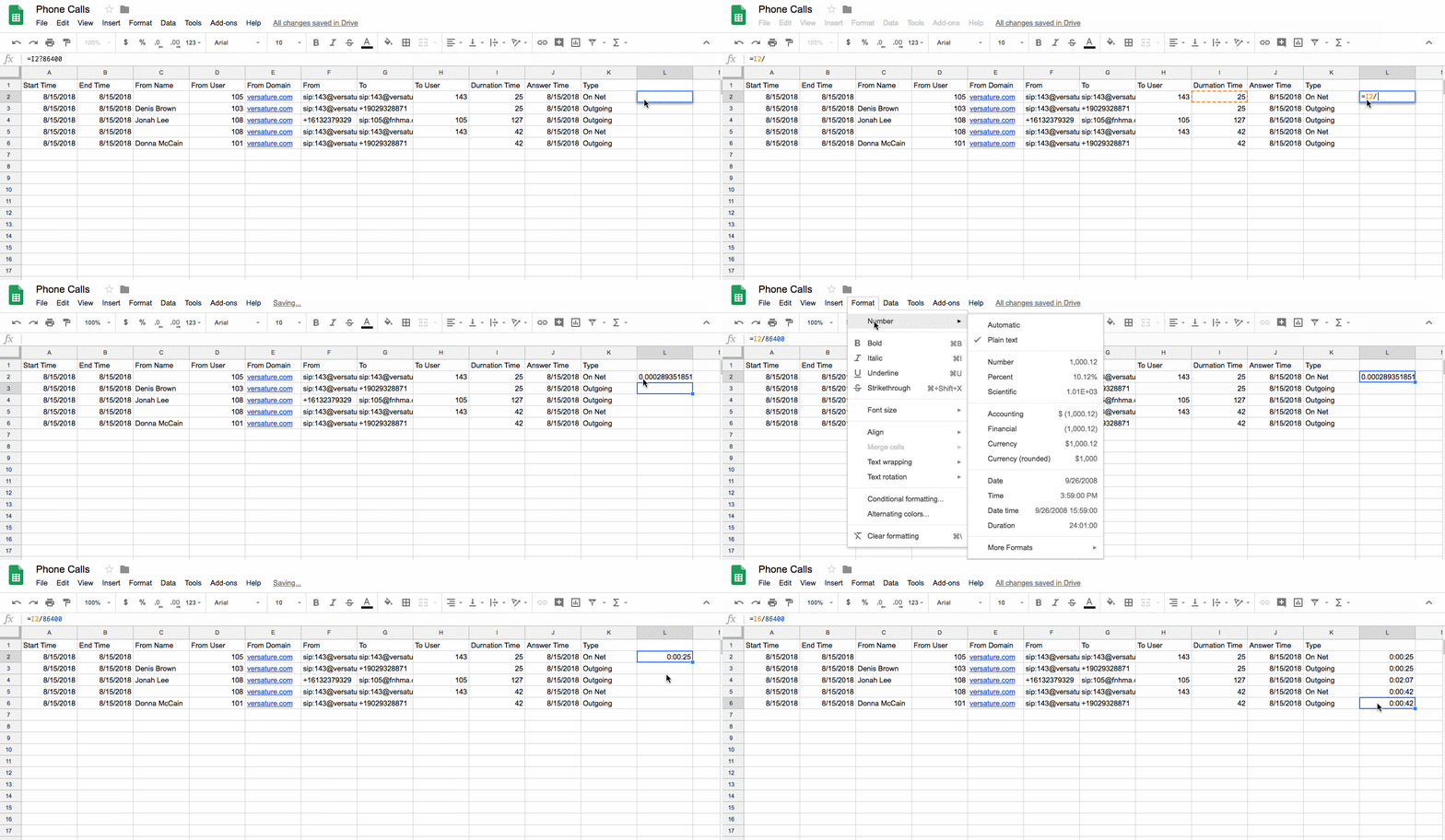
Your new column will have the recorded second-duration (i.e., 25) converted to hours, minutes, and seconds (i.e., 00:00:25).